Home > Using PhotoTools 25 > Using the Masking Tools > Using the MaskingBug > MaskingBug Shapes
MaskingBug Shapes
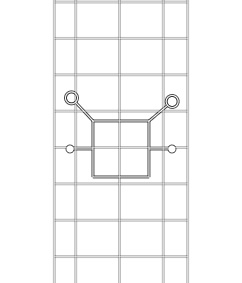
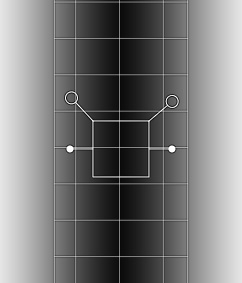
| The MaskingBug has two
shapes, round or planar. The bug shape is controlled in the Masking
pane from the shape pop-up. The MaskingBug tool changes appearance from a
round body to a square body depending on which shape is used. The round
shape is the default. This creates a round or oblong mask.
The second shape, planar, creates a rectangular or graduated filter appearance. |
| Round MaskingBug | Round MaskingBug with grid visible | Round MaskingBug with grid and mask visible |
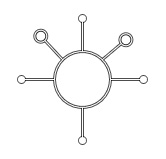 | 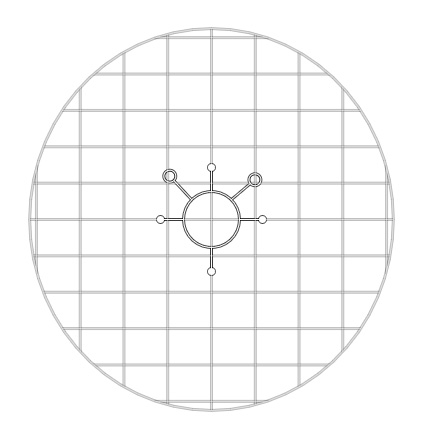 | 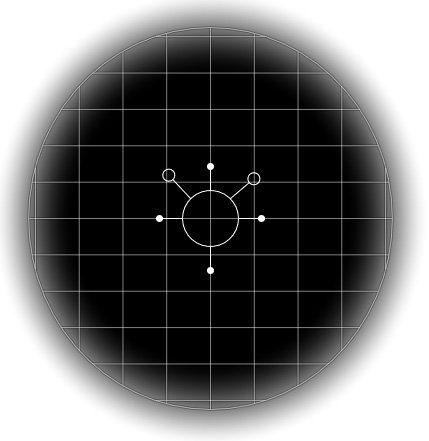 |
| Planar MaskingBug | Planar MaskingBug with grid visible | Planar MaskingBug with grid and mask visible |
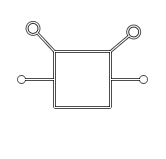 |  |  |
 | Tip: You can use the Invert button to flip the mask for the MaskingBug. This will apply the effect in the opposite way. |
See also