Home > Using PhotoTune > Lightroom Integration > Applying a Preset
Applying a Preset
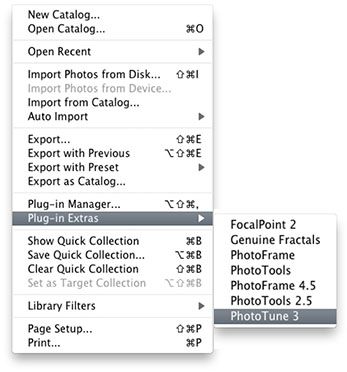
To Apply a PhotoTune preset to an image or group of images in Photoshop Lightroom follow these instructions:
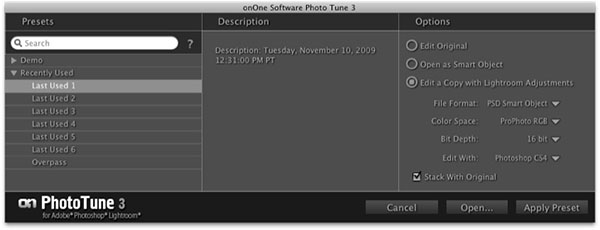
For Details on using the PhotoTune for Lightroom dialog look below. |
 |
This the PhotoTune for Lightroom dialog. It consists of these controls:
|
 |
