Home > Using PhotoTune > Menus > Window
Window
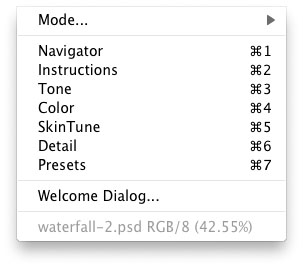
| Mode...: Use this to select the editing mode, either Tone, Color, SkinTune or Detail. Pane Name: Displays a list of control panes. Select one to open (display) or close a control pane. Show Dialog...: Opens the Welcome Dialog which shows basic step-by-step instructions for using PhotoTune. Image Name: Displays the name of the current image as well as its color mode, bit depth and zoom ratio. |
 |
See also