Home > Using PhotoTools 25 > Using the Effects Library
Using the Effects Library
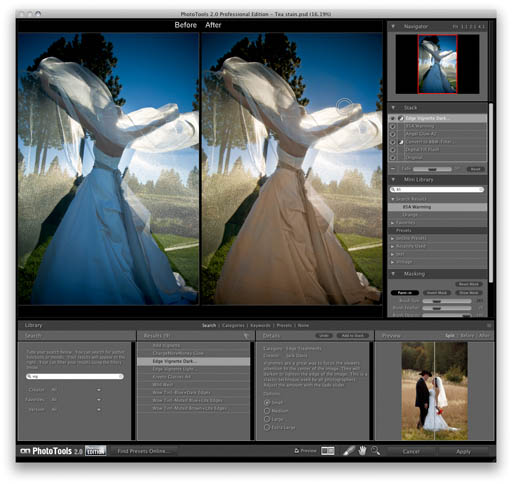
The Effects Library is the heart of PhotoTools 2.5. It contains all the effects and presets that you will work with in PhotoTools.It is located at the bottom of the main window. The Library helps you find the perfect stack of effects.
- Browse through the effects and presets by categories
- Search for effects and presets by typing in words or descriptions
- Search for effects and presets based on descriptive and emotive keywords
- Mark effects and presets as favorites
- Learn about an effect by reading its description and seeing a sample image
- Preview what an effect will look like on your image
|
 |
See also
|