|
Home > Using PhotoTools 25 > Using the Effects Library > Searching
Searching
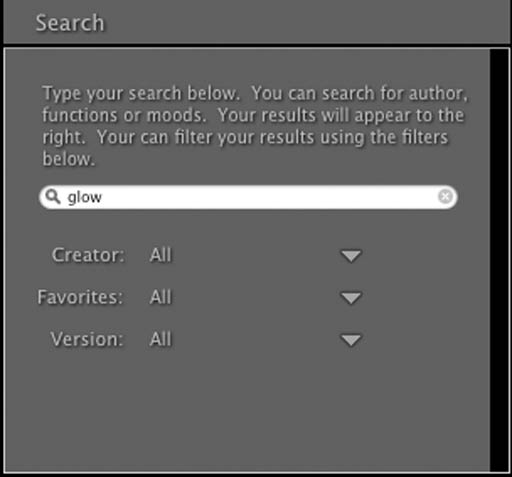
Search mode allows you to search for effects or presets
simply by typing in any word that is part of the effect or preset name, description or creator. As you type each letter, the search results are narrowed
down automatically. You can also filter the results using several
options.
Here are some guidelines to help you get the best results when using the search field:
- The search field searches the name, description and author information.
- The search uses a "starts with" type of search. This means if you typed in a search for "low" it would find effects or presets named "low"er but not f"low"er.
- The search field always searches the entire library.
- You can clear the search field completely by pressing the reset button.
Under the search box are three filter options which will further reduce your search results. You can also use the filters with nothing in your search box to filter the entire library.
- Author: Allows you to show results from a specific author
- Version: Allows you to show results from a specific versions, either Standard or Professional Edition
- Favorites: Allows you to show only your results marked as favorites
|
 |
See also
|