Home > Getting Started > Preview Modes
Preview Modes
PhotoTools offers several view modes for comparing your original image to the results. You can select the view mode from the view mode toggle icon in the Toolbar or from the View menu.
 |
Single Image: This is the default view, showing a single preview with the effect stack applied. You can toggle the preview on and off with the preview toggle check-box. | 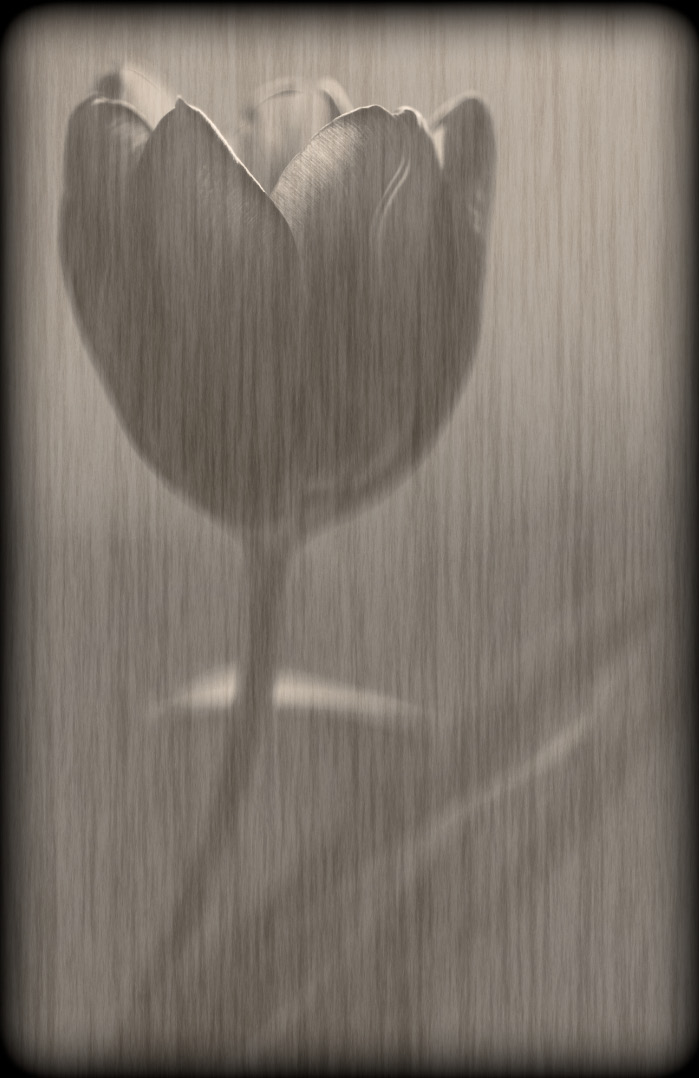 |
 |
Left/Right: This view shows two previews, the left image is the original, the right image has the effect stack applied. Best for vertical images. | 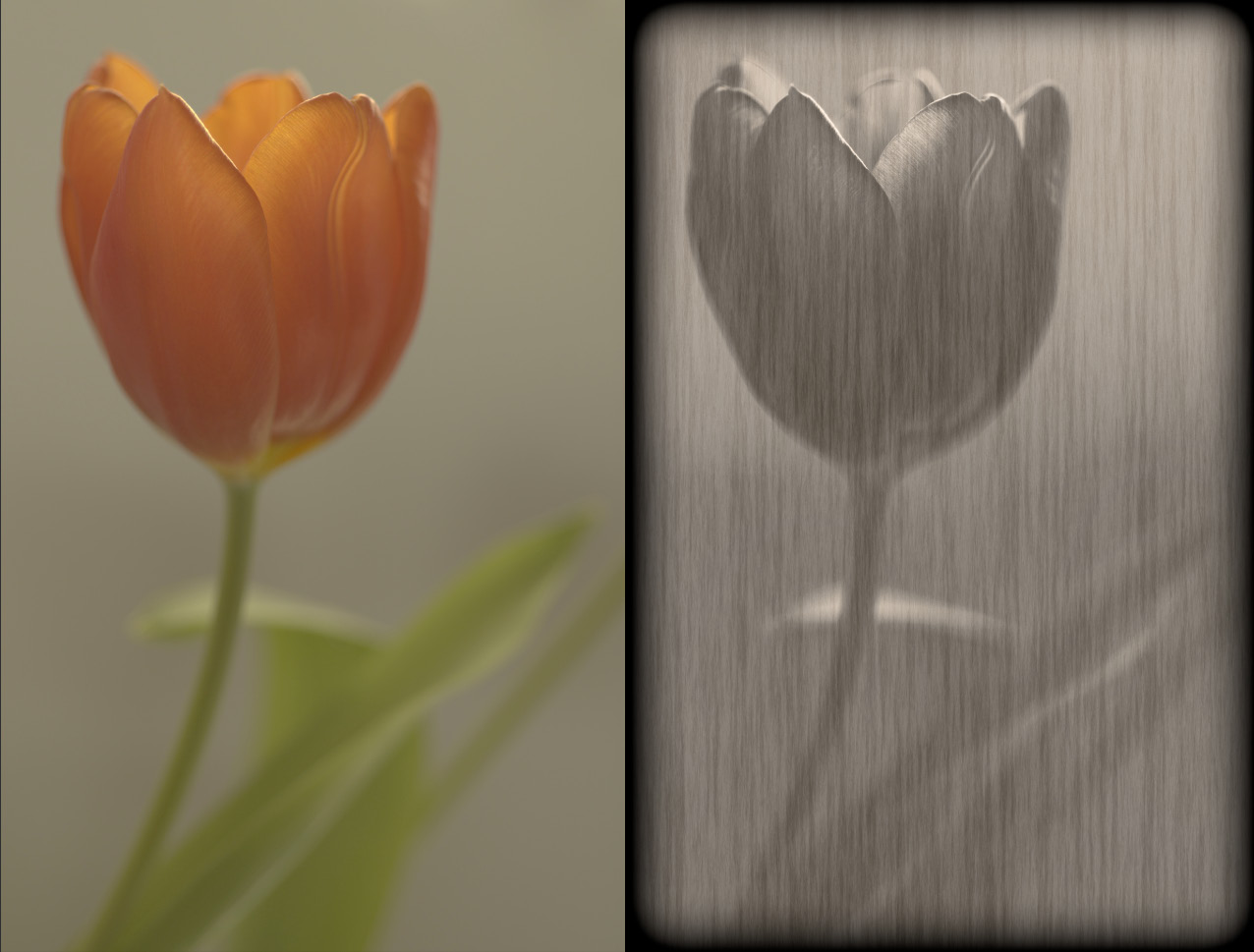 |
 |
Left/Right Split: Shows a single preview image, divided in two vertically. The left half is the original and the right half has the effect stack applied. Best for vertical images. | 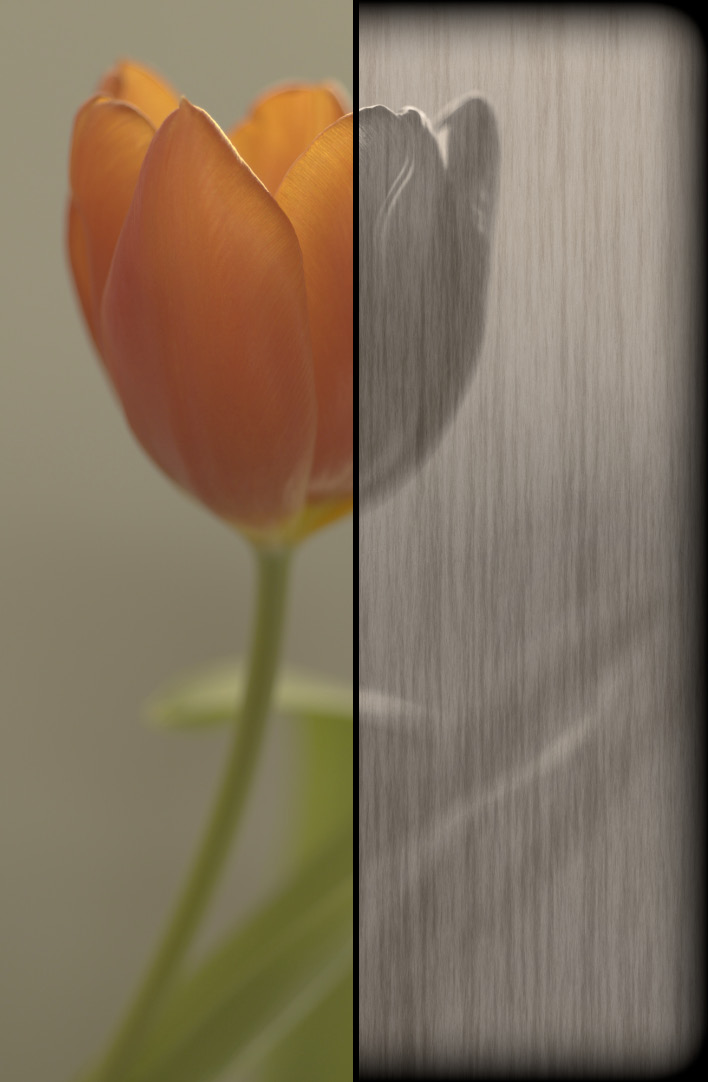 |
 |
Top/Bottom: This view shows two previews, the top image is the original, the bottom image has the effect stack applied. Best for horizontal images. | 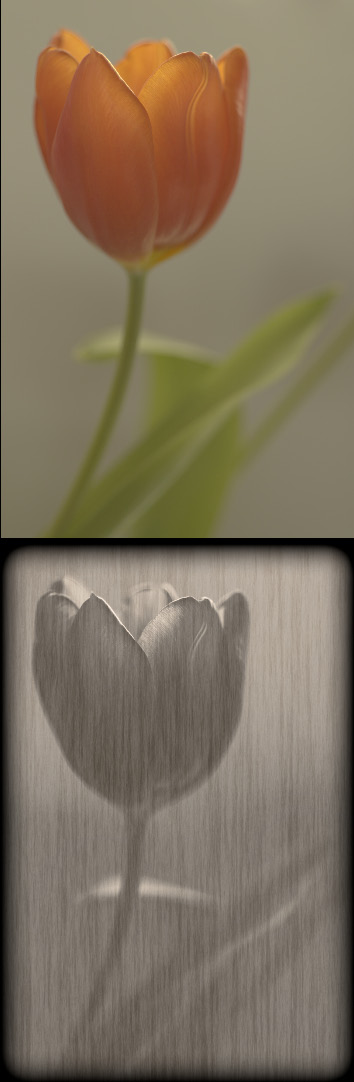 |
 |
Top/Bottom Split: Shows a single preview image, divided horizontally. The top half is the original and the bottom half has the effect stack applied. Best for horizontal images. | 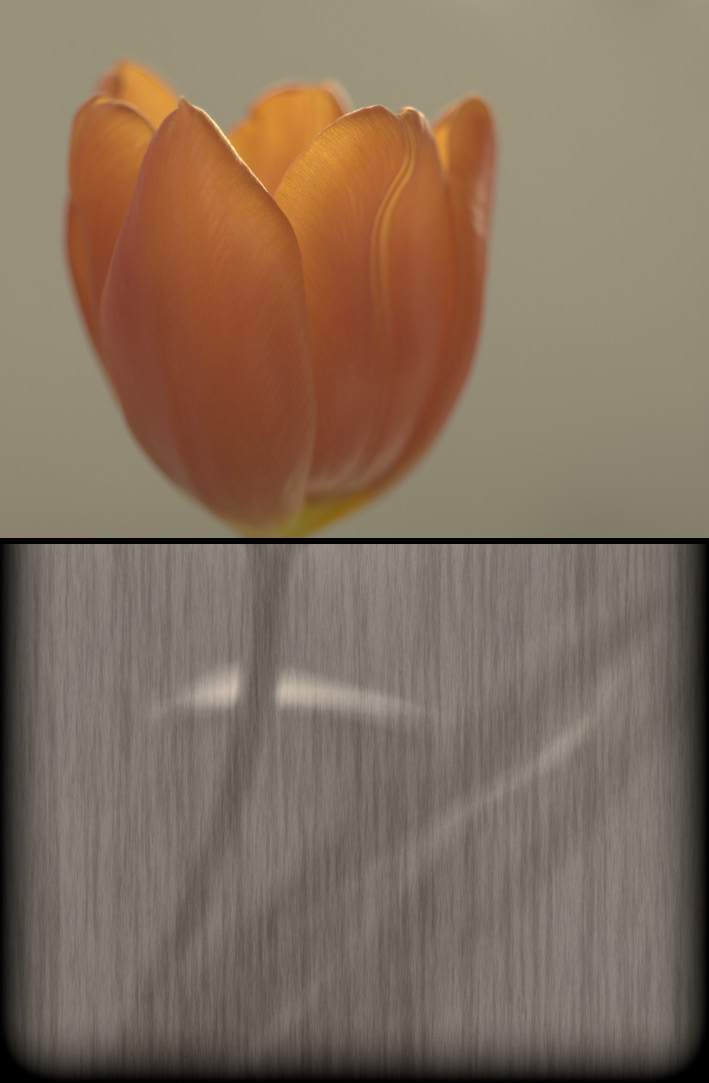 |
See also