Home > Using PhotoTools 25 > Using the Effects Library > Keyword Browser
Keyword Browser
New in PhotoTools 2.5 is the ability to browse for effects and presets by descriptive and emotive keywords. To use Keyword mode simply click on the keywords in the keyword array to help narrow your search. As you click on each keyword it will highlight and the results column will show only the effects and keyword that match the keyword(s) you select. For example if you select "Black & White", "Warm" and "Grainy", only effects that match all three keywords would be displayed. You can turn off a keyword by clicking on it again. To clear all the keywords, click on the reset button. | 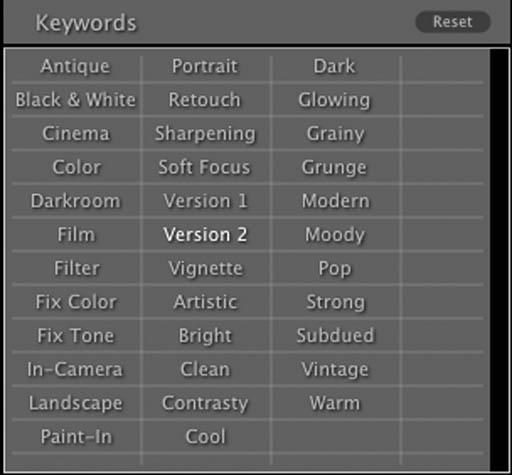 |
See also