Home > Using PhotoTools 25 > Using the Effects Stack > Effect Options
Effect Options
| Many of the effects in PhotoTools have options associated with them. You can tell if an effect has options by the ellipse (...) at the end of its name. When you add an effect with options the Options dialog will appear. You will need to select the option you prefer and press the Apply button to add the effect to the stack. The effect options can be presented as color swatches for color treatment effects or radio buttons for other options. Once you have added an effect with an option, you can change the option selected by double-clicking on the options icon  next to the effect name in the stack. next to the effect name in the stack. | 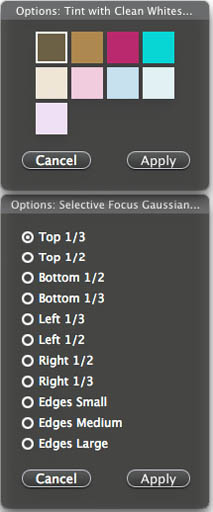 |
See also