Home > Using PhotoTools 25 > Using the Effects Library > Details and Previews
Details and Previews
The third column of the Library is the details pane. It will display information and options for the effect or preset selected in the results pane. The Details column will display the following information:
| 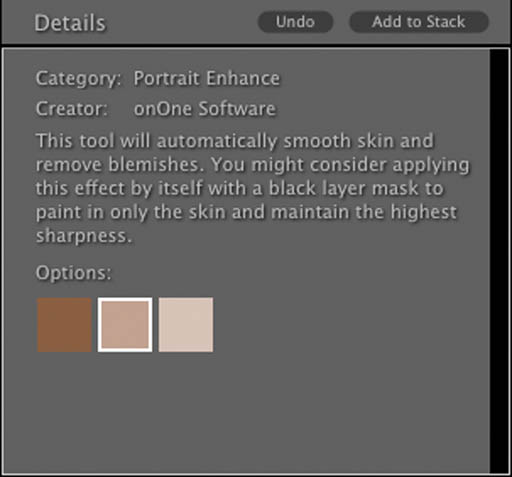 |
| The far right, forth column shows an example of the effect or preset. There are options so show the before, after or a split-screen view of the effect on a sample image. Keep in mind that some effects may be subtle and you won't be able to judge them without adding them to your image and zooming in. | 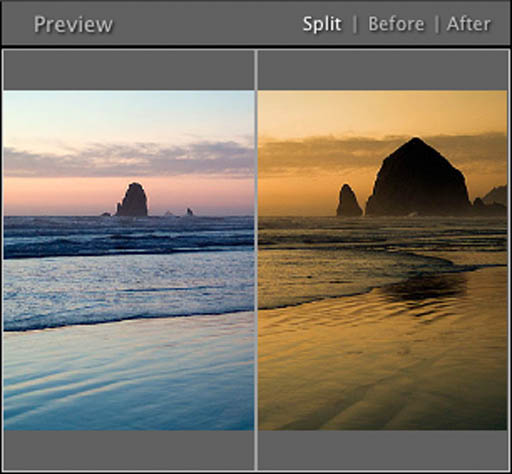 |
See also