Home > Using PhotoTools 25 > Using the Effects Library > Browsing Categories
Browsing Categories
You can browse for effects in Category Mode. Each category contains similar effects, such as Image Optimization or Black & White Treatments. They are organized top-down in the order you typically use them in a workflow. For example you would adjust color and tone using the Image Optimize effects before using a Stylized effect or a Frame Treatment. If you are upgrading from PhotoTools 1.0 this is the same category list you have used before. To browse a category, just click on a category and then browse its contents in the second column of the library. |
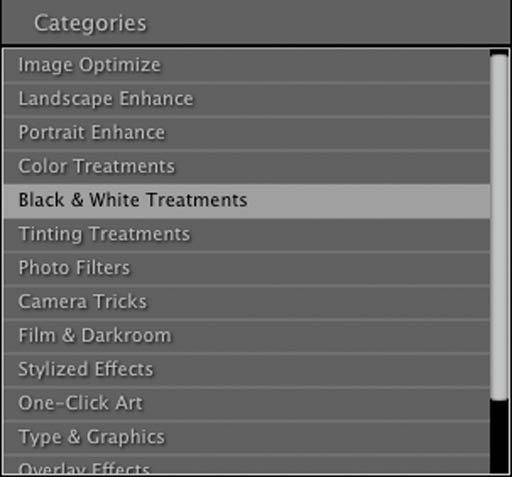 |
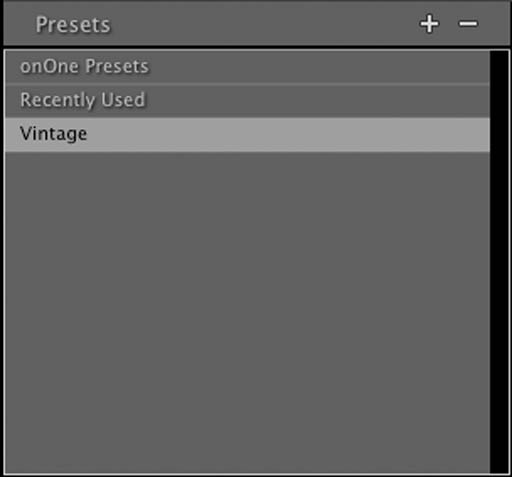
| You can also browse presets in a similar fashion to effects. In Preset mode you will see a list of preset categories in the left column. To browse a category, just click on a category and then browse its contents in the second column of the library. |
 |
See also