Home > Using PhotoTools 25 > Using the Mini-Library
Using the Mini-Library
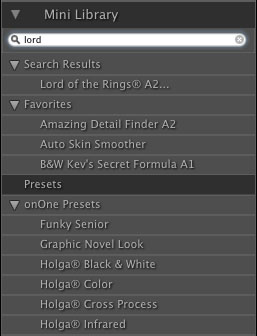
If you are upgrading from PhotoTools 1, you will feel comfortable with the Mini-Library. The Mini-Library is similar to the Library from the first version of PhotoTools. It is located in the same spot and gives access to:
|
 |
See also