Home > Using PhotoFrame > Using the Library
Using the Library
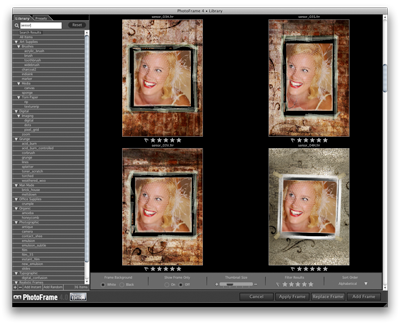
| The Library is the heart of PhotoFrame 4.5. It contains all the design elements that you will work with in PhotoFrame. It is the first thing you see when you open PhotoFrame. The library helps you perform several important tasks on the way to finding the perfect design element or preset.
|
 |
See also