Home > Using PhotoFrame > Using the Preview Window > Guides
Guides
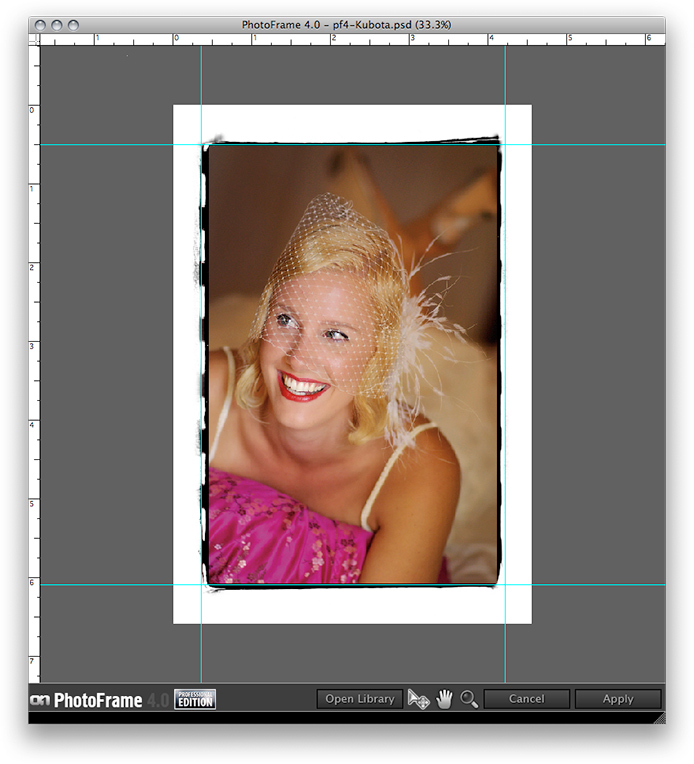
| Guides are new to PhotoFrame 4.5. They allow you to place arbitrary guide lines that may be used for alignment. To use the guides you need to have the rulers turned on. To add a guide: • Make sure the Move tool is selected, then click in a ruler and drag into the image. To move a guide: • Make sure the Move tool is selected, then hover over a guide until the cursor changes to opposing arrows. Then click and drag on the guide to change its position. To remove a guide: • Removing a guide is just like moving a guide, just move the guide back to a ruler to remove it. You can clear all the guides at once by going to View and selecting clear guides. You may hide/show the guides by going to the view menu and selecting Show/Hide Guides. You can change the color of the guides in the preferences dialog. |
 |
See also