Home > Getting Started > Finding an Element
Finding an Element
When PhotoFrame opens you will see the Library window. The Library contains all of the different design elements such as frames, backgrounds, textures, adornments and layouts. |
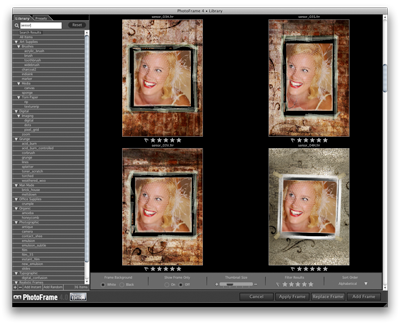 |
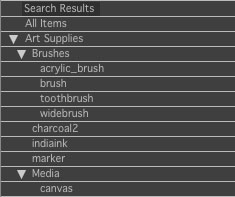
On the left side is a list of categories. You can browse the categories and see the elements in each category in the thumbnail section on the right |
 |
| There is also a search field where you can simply type in what you are looking for. |  |
| You can browse through the thumbnails by scrolling up and down. You can zoom in by adjusting the size of the thumbnails with the size slider. |  |
| You can also browse through presets the same way, simply click on the preset tab in the upper left corner. |
 |
| Once you find an element you are interested in simply double-click on it to add it to your frame stack. When you add a frame to your frame stack the Library will close and you will see the main preview window. |
 |
See also