Home > Using Genuine Fractals > Film Grain
Film Grain
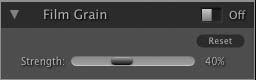
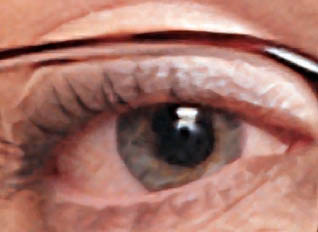
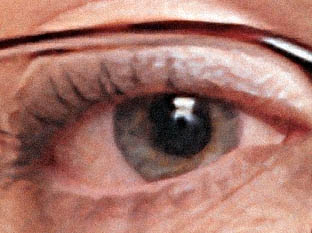
| The Film Grain pain contains the amount control which adds simulated Film Grain (noise) to your image. Adding a modest amount of Film Grain can make your image appear sharper visually and can help hide imperfections like JPG artifacts. This is especially useful for monochrome images. Film Grain should only be added at the same time as Sharpening, just before printing. If you need to do other retouching or compositing work in Photoshop after resizing your image you should disable the Film Grain controls. To add Film Grain to your image follow these steps:
|
|
See also