Home > Using FocalPoint 2 > Using Presets
Using Presets
Presets are great productivity boost. They store all the control settings including the relative FocusBug size and position. Presets can be recalled inside FocalPoint for further adjustment or can be added directly from the onOne Palette or onOne menu inside of Photoshop. Or you can apply presets inside of Adobe Photoshop Lightroom or Apple Aperture via the FocalPoint dialogs in each. You can even share presets with other users of FocalPoint online with the onOne Exchange. | 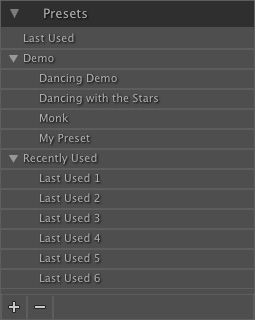 |
See also