Home > What's New in FocalPoint 2 > Multiple FocusBugsMultiple FocusBugs
Now you can use multiple FocusBugs to define the area you want to keep in focus. You can combine them to create complex shapes or to highlight multiple subjects. The FocusBug is a unique control that allows you to adjust the sweet spot (the area in focus) and the most commonly used controls in a single, intuitive control. Simply click and drag to position the sweet spot. Then use the Bug’s legs to set the size and shape of the sweet spot. Next, adjust the antennae to control the type and amount of blur and the hardness of the blur edge. Using the FocusBug is fluid and in real-time, just like using a lens, but in Photoshop. FocalPoint 2 now lets you create up to six FocusBugs, letting you have multiple areas in your image that are in focus or blurred. | 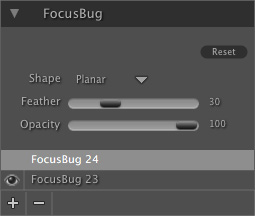 |
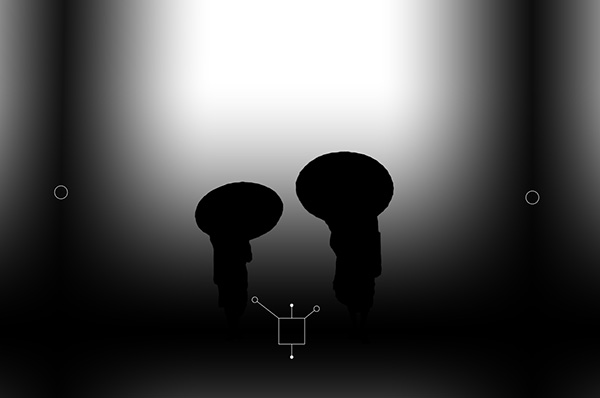
Example of using three FocusBugs at one time to create the illusion of depth of field in two dimensions. The Mask created using multiple FocusBugs plus a selection from Photoshop. 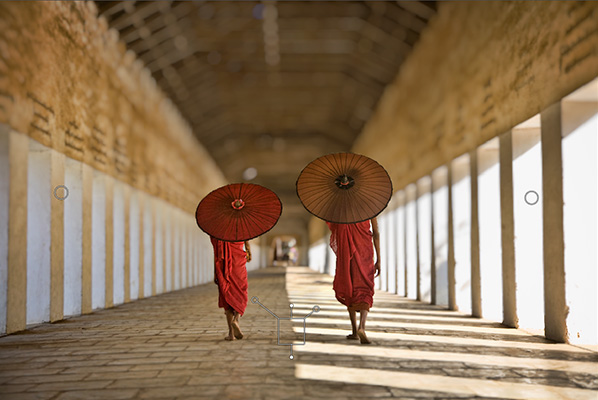
Learn More
See also