Home > Using FocalPoint 2 > onOne Panel and Menu
onOne Panel and Menu
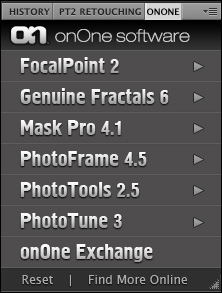
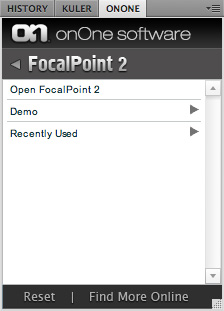
The onOne Panel is a special dockable Panel that will appear inside of Photoshop CS4 and higher. The onOne Panel provides access to any of your onOne products including FocalPoint 2 that have been released as part of Plug-In Suite 5 or later. You can open FocalPoint or apply your saved presets, including your recently used presets directly from this menu.
|
  | ||
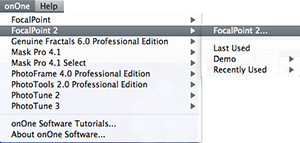
The onOne menu is a special menu that will appear in the menu bar in
Photoshop between the Window and Help menu. From the onOne menu have
access to any of your onOne products including FocalPoint. You can open
FocalPoint or apply your saved presets, including
your last used settings directly from this menu.
|  |

See also