Home > Using FocalPoint 2 > Using the FocusBug > Shapes
Shapes
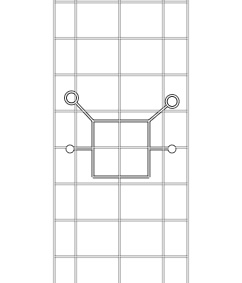
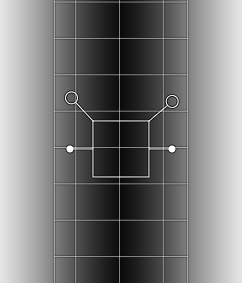
| The FocusBug has two shapes, round or planar. The bug shape is controlled in the aperture pane from the shape pop-up. The FocusBug tool changes appearance from a round body to a square body depending on which shape is used. The round shape is the default. This creates a round or oblong sweet-spot. This is similar to using a selective focus lens. The bokeh will extend to all sides of the image. The second shape, planar, simulates a tilt-shift or view camera appearance. It creates a sweet-spot that slices through the image from one side to another. |
| Round FocusBug | Round FocusBug with grid visible | Round FocusBug with grid and mask visible |
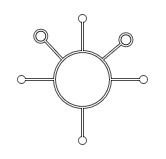 | 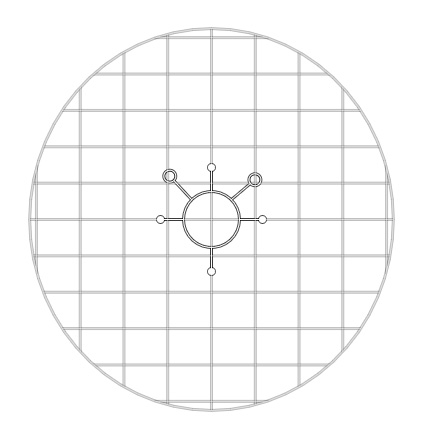 | 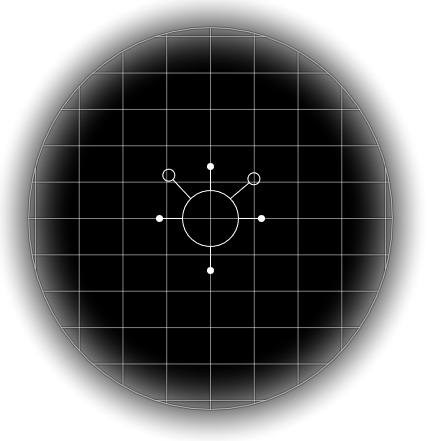 |
| Planar FocusBug | Planar FocusBug with grid visible | Planar FocusBug with grid and mask visible |
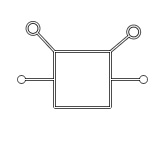 |  |  |
You can mix and match FocusBug shapes to create just the look you desire. See the Using Multiple FocusBug section for details.
See also