Home > Using FocalPoint 2 > Using the FocusBug > Viewing the Mask
Viewing the Mask
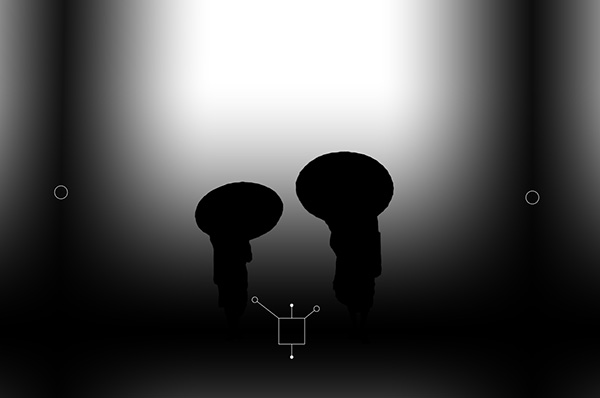
| Mask view will enable a black and white mask view of the sweet-spot. This can help you to see the bounds of the sweet-spot as well as understand the effects of the the 3D tilt. To enable the mask view go to the View menu and select Show/Hide Mask. You can also toggle it on and off with the command-M (Mac) or control-M (Windows) keyboard short-cut. Mask view has no effect on the results of FocalPoint it is just a view mode to assist you in configuring the FocalPoint controls. |
| Normal Preview with three active FocusBugs and a Photoshop selection |
 |
| Mask Preview, shows the shape of all three FocusBugs and the Photoshop selection |
 |
See also